When do you need to convert JPG to PDF?
You photographed your documents with your phone: the front and back of an ID, the pages of a contract, or expense receipts. Whoever asked for them wants a single PDF, not ten separate photos. The tool places each image on its own A4 page and combines the pages into one file, in the order you added the images.
How images are placed on the pages
- Each image gets its own A4 page.
- The image is scaled down to fit the page with a white margin and centered, never cropped or stretched.
- Small images are not enlarged, so they don't turn blurry; they appear at their natural size in the middle of the page.
- The image is embedded as is, without recompression, so its quality doesn't drop.
How to convert JPG to PDF
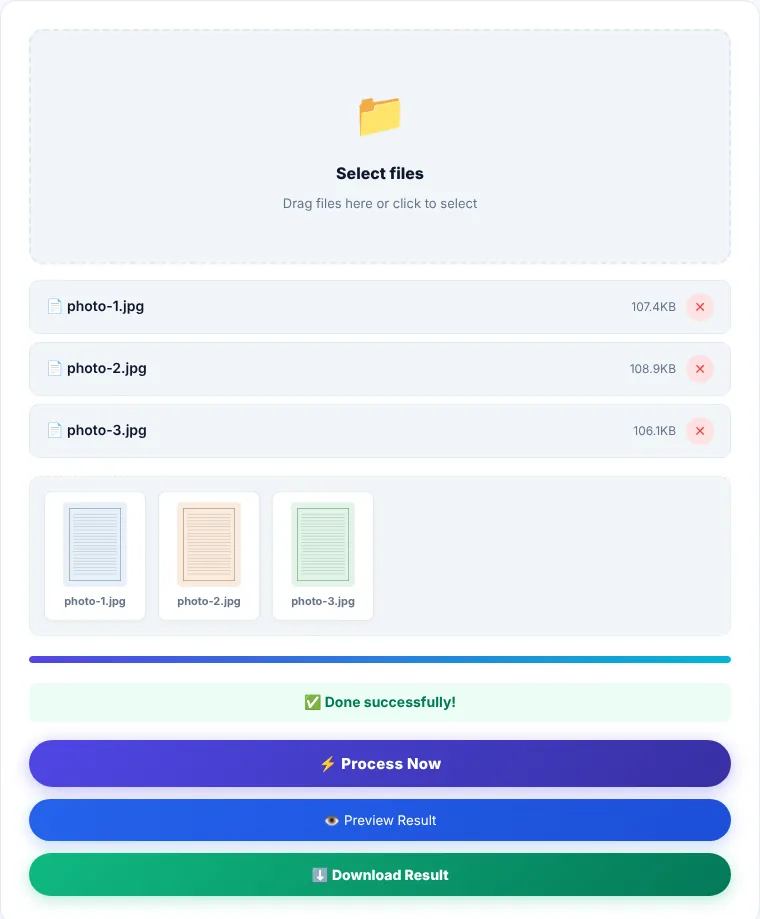
- 1Select your JPG images in the order you want the pages, or drag them onto the box. Images added later go to the end.
- 2Check the list: its order is the page order. Click ✕ next to an image to remove it.
- 3Click "Process now".
- 4Preview the file, then download it as
images.pdf.
Tips for clearer phone photos
- Shoot the document on a dark surface in daylight, and avoid the flash; it leaves a glare spot on paper.
- Get close enough that the document fills the frame, then crop the edges in your gallery before converting.
- If a photo is tilted, rotate it on your phone first. You can also rotate a page after conversion with Rotate PDF.
- Modern phone photos are large. If the resulting PDF is over a size limit, run it through Compress PDF with strong compression.
Limitations
- This page accepts JPG only. For PNG images such as screenshots, use PNG to PDF.
- iPhone photos in HEIC format are usually converted to JPG automatically when you pick them in the browser. If one is rejected, export or share it as JPG and try again.
- The page size is fixed (A4 portrait). Landscape photos are scaled down inside the portrait page.
- Text inside the photos stays an image and doesn't become searchable.
Where is the processing done?
Images are embedded into the PDF in your browser using pdf-lib. They are not sent to our servers.
JPG to PDF: frequently asked questions
How many images can I put in one PDF?
There is no fixed number. The practical limit is your device's memory: dozens of full-resolution photos from a recent camera can slow a phone down.
Why does my image look small in the middle of the page?
Its resolution is low, and the tool doesn't enlarge images so they don't get blurry. Use a higher-resolution photo if you want it to fill the page.
How do I move an image I added in the wrong place?
Remove it with ✕ and add it again; it moves to the end of the list.
Can I add images to an existing PDF?
Convert the images here first, then combine the result with your file using Merge PDF.