🛡️ 100% Privacy — Full Local Browser Processing

Free PDF Tools That Keep Your Files Private

Merge, Split, Compress, Convert and Edit PDFs directly in your browser. No uploads. No registration. Your files never leave your device.

📄 Upload PDF
🠖
🔒 Process Locally
🠖
Download Instantly
28
Professional PDF Tools
Powerful browser-based PDF tools for everyday document workflows.
100%
Browser Processing
Every supported operation runs directly inside your browser without sending files to external servers.
0
Files Uploaded
Your documents stay on your device and are never uploaded during supported browser-based processing.
2
Languages
Fully localized experience in English and Arabic with automatic language preservation.
إعلان / Advertisement

Organize & Edit

Merge PDF
Combine multiple PDF files into one document quickly.
Split PDF
Divide a PDF file into separate pages or extract a range.
Remove PDF Pages
Delete unwanted pages from your PDF document easily.
Extract PDF Pages
Get specific pages from a PDF file as a separate file.
Rotate PDF
Rotate pages of a PDF file to your preferred angle.
New
Organize PDF Pages
Reorder, arrange, or delete PDF pages visually with ease.
New
Crop PDF Pages
Trim margins and unwanted borders from PDF pages easily.
New
Compare PDF Files
Compare two PDF documents side-by-side or highlight revisions instantly.

Enhance & Beautify

Watermark PDF
Add custom text watermarks to protect your files.
New
Add Page Numbers
Number your PDF pages in your preferred style and order.
Compress PDF
Reduce the file size of your PDF while maintaining quality.

Convert Formats

Convert JPG to PDF
Convert your JPG images to a PDF document in seconds.
Convert PNG to PDF
Convert PNG images to a high-quality PDF file quickly.
Convert PDF to JPG
Extract all PDF pages and convert them into JPG images.
New
Extract Text from PDF
Extract readable text from PDF files into copyable text.
New
Convert Word to PDF
Convert Word documents (.docx) to PDF files fast and securely.
New
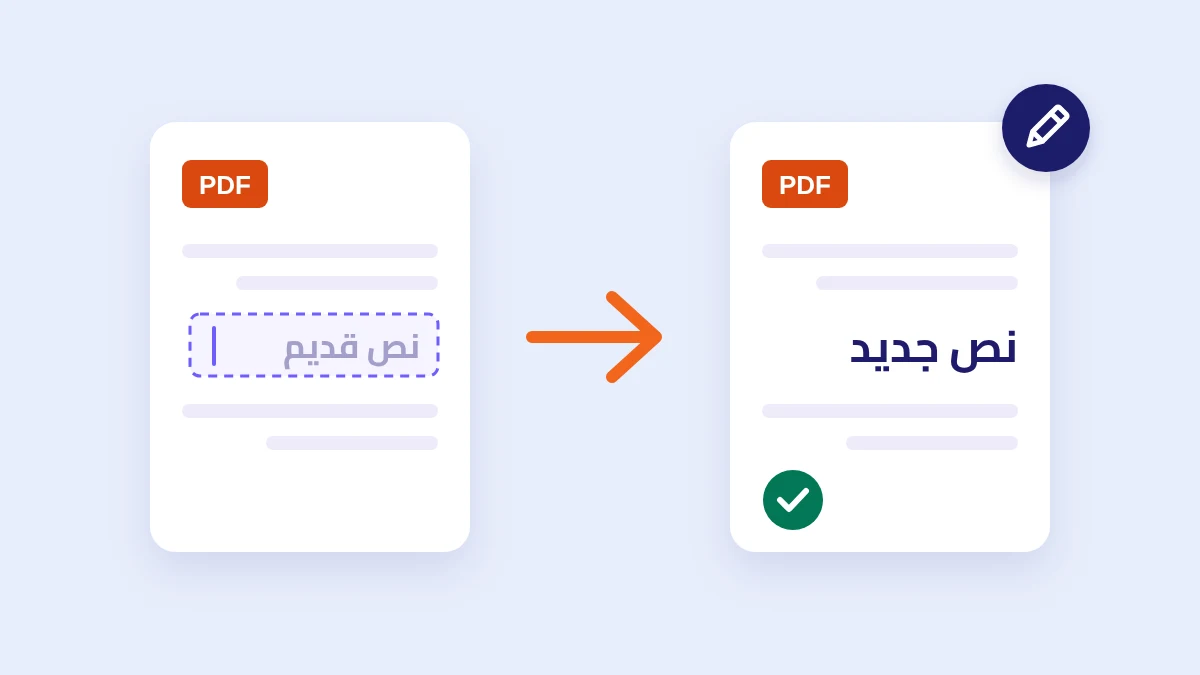
Convert PDF to Word
Extract content from PDF files and convert to editable Word (.docx) files.
New
Convert PDF to PNG
Extract all pages of a PDF file into high quality PNG images.
New
Convert Excel to PDF
Convert Excel spreadsheets (.xlsx, .xls, .csv) into clean PDF documents.
New
Convert PDF to Excel
Extract tables and numerical data from PDF into Excel (.xlsx).
New
Convert PDF to PowerPoint
Convert PDF documents into PowerPoint presentation slides (.pptx).
New
Convert PDF to Grayscale
Convert color PDF documents into clean black & white grayscale to save printer ink.

Security

Password Protect PDF
Protect your files with strong passwords securely.
PDF Information
Inspect metadata and security status of your PDF file.
New
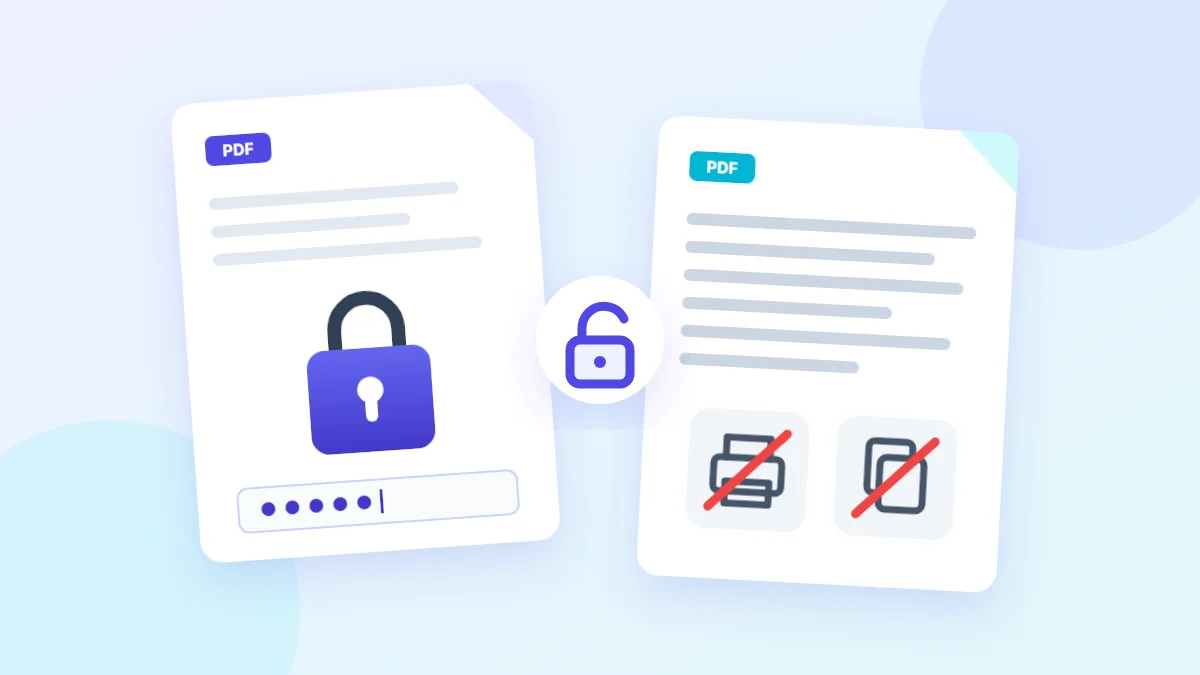
Unlock PDF
Remove password protection from PDF files easily and privately.
New
Sign PDF Online
Sign PDF contracts by drawing, typing your name, or uploading an image.
New
Flatten PDF
Convert fillable form fields, signatures, and layers into static, non-editable content.
إعلان / Advertisement

Why Choose SmokePDF?

🔒

Privacy First

Your documents are processed entirely inside your browser. No files are uploaded to any server, guaranteeing 100% privacy.

Lightning Fast

Since there are no uploads or downloads from remote servers, processing starts and completes instantly in milliseconds.

🆓

Always Free

Use all tools completely free and without limitations. No registration, no subscription fees, and no watermarks.

🌍

Multi-language

A clean and organized user interface that supports both Arabic and English consistently and smoothly.

How It Works

1

Select PDF

Drag & drop or select PDF files from your device to begin.

🠖
2

Local Processing

Your browser processes and edits the PDF entirely locally.

🠖
3

Download Instantly

Save the new file to your device instantly at full quality.

28+
Free PDF Tools
Comprehensive professional tools running directly in your browser
100%
Local Processing
100% client-side operations without uploading files to any server
100%
Privacy Guaranteed
Total client-side encryption and zero file retention policy

📰 Latest Articles from the Blog

Comprehensive tips and guides for working with PDFs